Signing in🔗
In brief🔗
PosBackOffice opens in a browser. You sign in with your email and your password, then you choose the register to administer. From then on, all your data comes from that register.
How to access it🔗
Open your browser and go to your back-office address, for example https://backoffice.paderfsuite.com.
Sign in (cloud mode)🔗
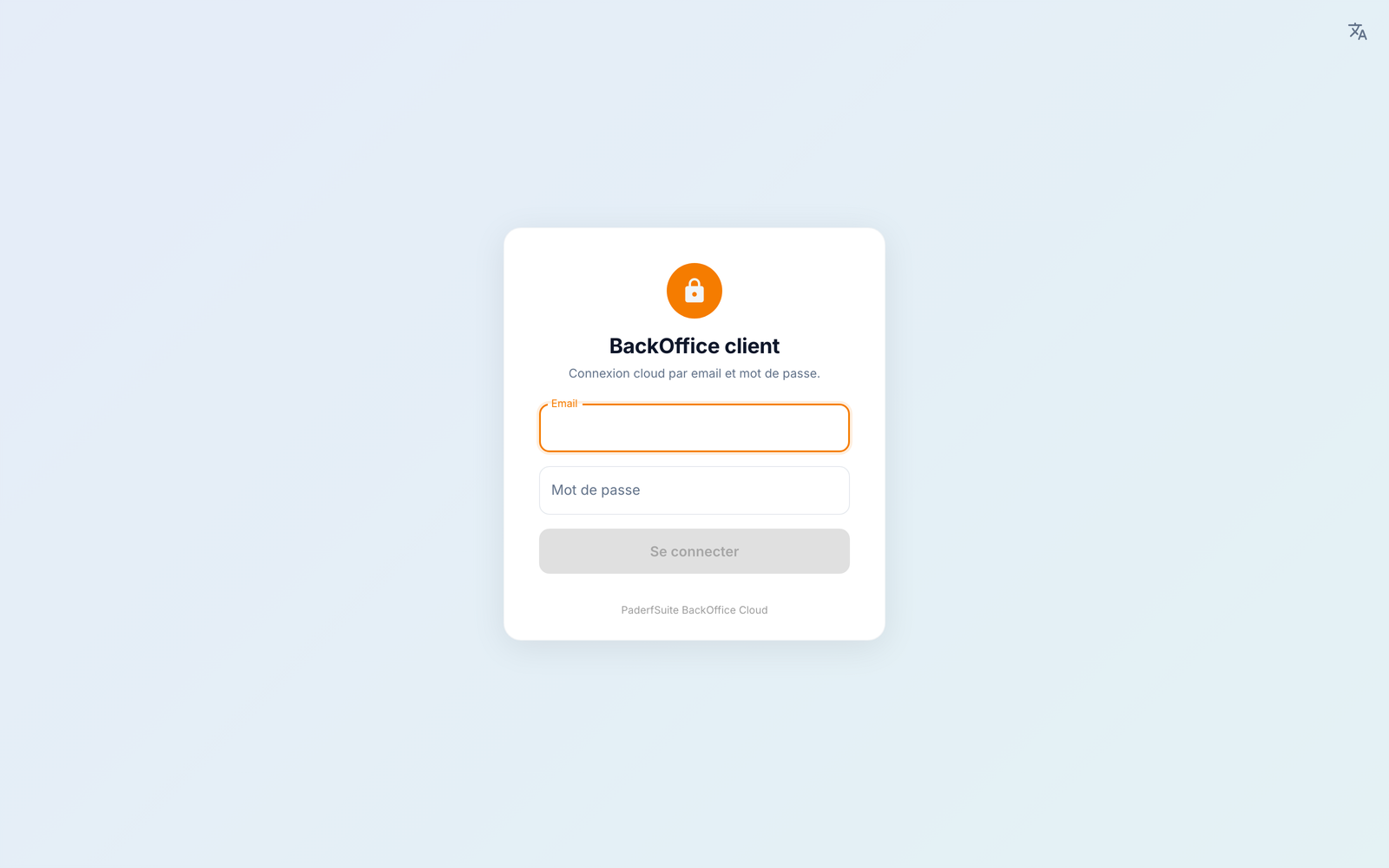
- Enter your email.
- Enter your password.
- Tap Sign in.
First sign-in
If this is your very first sign-in, the app may ask you to change your password before accessing the back-office. Choose a password of at least 8 characters, then confirm it.
Choose the register🔗
Your account can be linked to one or several registers. Once signed in, select the register to administer from the drop-down menu at the top of the screen: each register is listed as "Store — Device", with its status (online / offline).
- online: the register is on and reachable — you see the data in real time.
- offline: the register is off or off the network — you see the last known data.
The refresh button next to the list updates the registers' status.
\"No associated register\"
If the screen shows "No associated register", your account has access to no active register with the BackOffice module. Check that the register is on and connected, that its Back-office module is enabled (see Licenses & modules), then tap Refresh.
Change the language🔗
On the sign-in screen as well as in the application, the 🌐 (translation) icon at the top right lets you switch between Français, English, العربية and Español. Arabic is displayed right to left.
Sign out🔗
The Logout button is at the bottom of the sidebar (left-hand menu).
Local connection (on site)
When the back-office is served directly by the register on the local network (without going through the cloud), the sign-in screen is different: you connect to the server (entering the address or automatic detection on the network), then you choose an employee and enter their PIN code. The rest of the application works the same way.
Once signed in, discover the interface & the dashboard.