B12. Stock Alerts🔗
In short🔗
This screen is your stock alert inbox: it gathers every low stock and out of stock notification for your ingredients. Each alert shows the ingredient, the message, the current stock, and the threshold concerned. You can mark them as read one by one or all in a single click, and filter to show only the unread ones. It's the same source as the notification bell badge at the top of the screen.
Who / when🔗
For the manager or kitchen lead who monitors stock levels day to day and wants to react quickly to shortages and crossed thresholds.
How to get there🔗
Kitchen & Recipes → Stock Alerts
Prerequisites🔗
🔑 View stock
Screen tour🔗
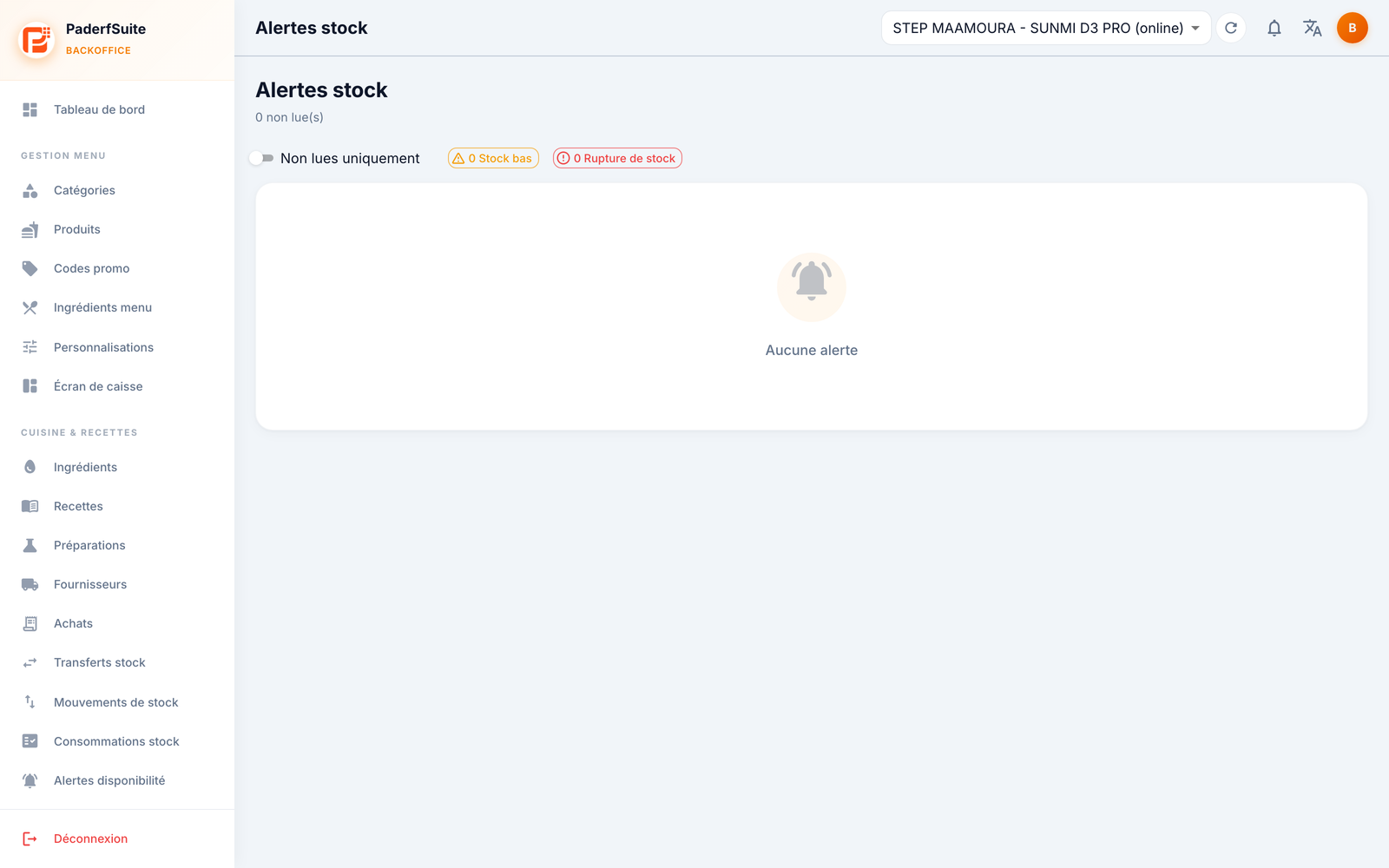
At the top, summary chips (number of ingredients with low stock and out of stock), an Unread only switch, and the Mark all as read button.
The table lists alerts with the following columns, in order:
- (unread dot): a dot flags alerts not yet read.
- Type: low stock or out of stock.
- Ingredient: the ingredient concerned.
- Message: the alert label.
- Current stock: the level at the time of the alert.
- Threshold: the alert threshold crossed.
- Date: date and time of the alert.
- Actions: Mark as read.
Step-by-step🔗
Mark an alert as read🔗
- On the relevant row, click Mark as read.
- The unread dot disappears and the notification bell badge updates.
Mark all as read🔗
- Click Mark all as read at the top of the screen.
- All alerts switch to read at once.
Show only unread🔗
- Turn on the Unread only switch to hide alerts already handled.
Messages & edge cases🔗
- The red bell badge in the header matches the number of unread alerts on this screen; clicking the bell takes you straight here.
- A direct link (
?alertId=) lets you open the screen on a specific alert, for example from a notification. - Marking an alert as read does not replenish stock: it tracks reading, not an action on quantities.
Tips🔗
- Alert thresholds are set per ingredient in B1. Ingredients (stock): adjust them to get alerts neither too early nor too late.
- To prevent online orders for out-of-stock items, combine these alerts with B9. Availability Alerts.