B5. Discounts & promo codes🔗
In brief🔗
During an order, you can grant a discount (free or percentage reduction) or apply a promo code. These actions may require an authorization depending on your role.
Who / when🔗
For the Cashier, on request (goodwill gesture, ongoing promotion).
Requirements🔗
🔑 Apply a discount (for discounts)
Step-by-step🔗
Apply a discount🔗
- With the order in progress in the cart, tap the Discount widget.
- Choose the type (fixed amount or percentage) and the value.
- Validate: the cart total is recalculated, the discount appears on the receipt.
Apply a promo code🔗
- Tap the Promo code widget.
- Enter the code provided to the customer.
- If it is valid, the associated reduction applies automatically.
Promo codes are prepared on the administration side (PosBackOffice / online order module), then used at the register after synchronization. PosCaisse applies the codes compatible with the register: reduction in fixed amount or percentage, on the whole cart or on specific products. Free delivery codes concern only the online order and are rejected at the register.
Authorization: discounts beyond a threshold🔗
Manager/admin approval
As with refunds, a discount may exceed what your role allows. In that case, PosCaisse displays "Authorization required" and asks for the PIN of a Manager or an Admin to validate the operation.
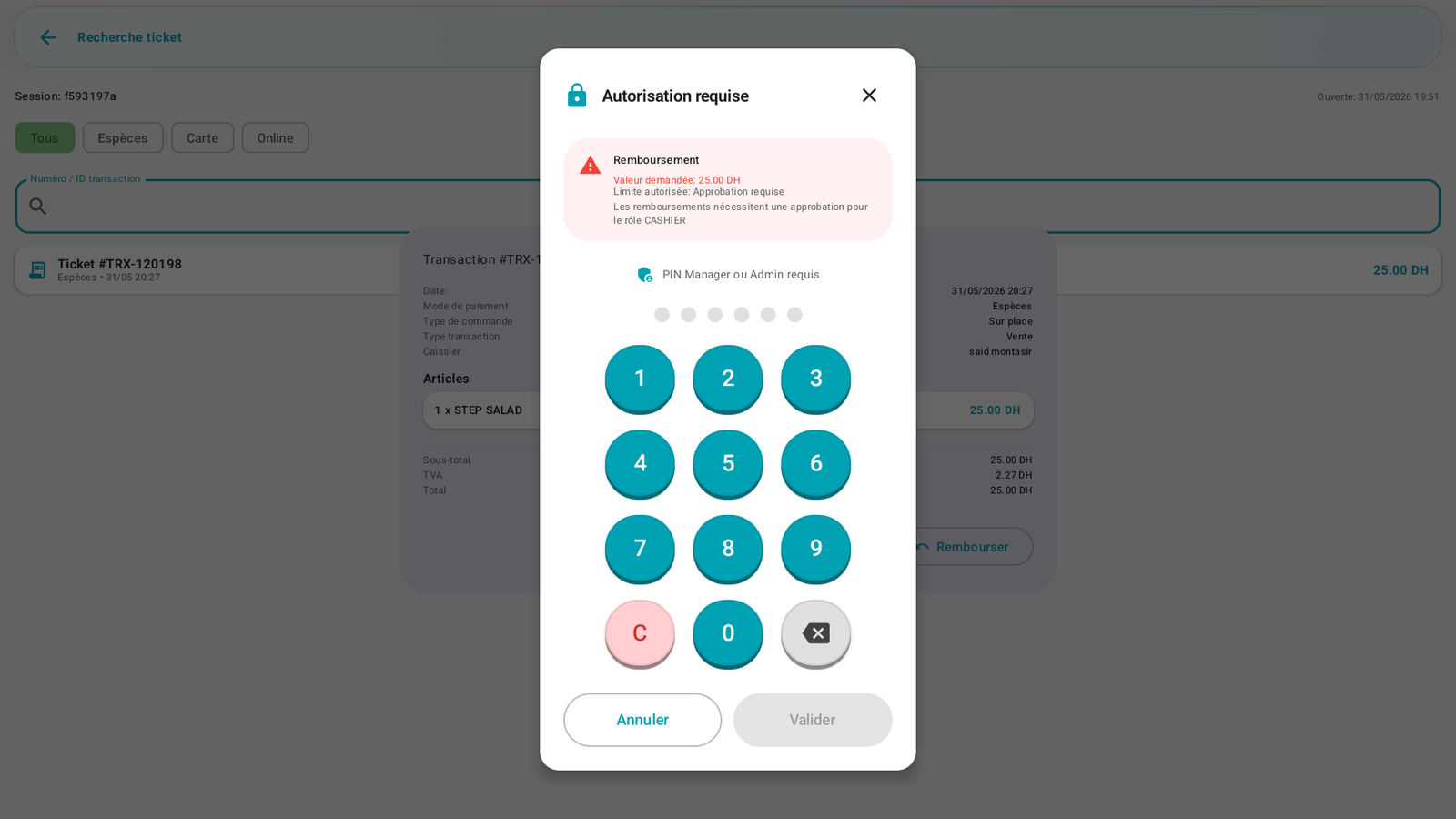
(Here the example concerns a refund, but the authorization screen follows the same principle for discounts beyond the threshold.)
The thresholds and override rules are configured in C12. Permissions & roles.
Messages & edge cases🔗
- Invalid / expired promo code: the code is rejected, no change to the total.
- Promo code not allowed at the register: the code exists, but it is reserved for the online order.
- Limit reached / minimum amount required: the register rejects the code if the period, the minimum amount, the eligible products or the usage limits are not met.
- "Authorization required": the discount exceeds your limit → have it validated by a manager.
Tips🔗
- Prefer promo codes for recurring commercial operations: they are traceable and controlled, unlike a free discount.
- Discounts are counted and displayed in the cash report (X/Z) — they are never invisible.