C4. Menu ingredients🔗
In brief🔗
The menu ingredients are the labels displayed to the customer in composed products and customizations (e.g. Chicken bacon, Andalouse, Cheddar). This screen lets you view them and manage their label.
Who / when🔗
For the Admin (or an authorized employee). 🧩 If the BackOffice module is active, PosBackOffice remains the main tool for this management.
How to access🔗
Admin → Menu ingredients.
Requirements🔗
🔑 Manage products
Screen tour🔗
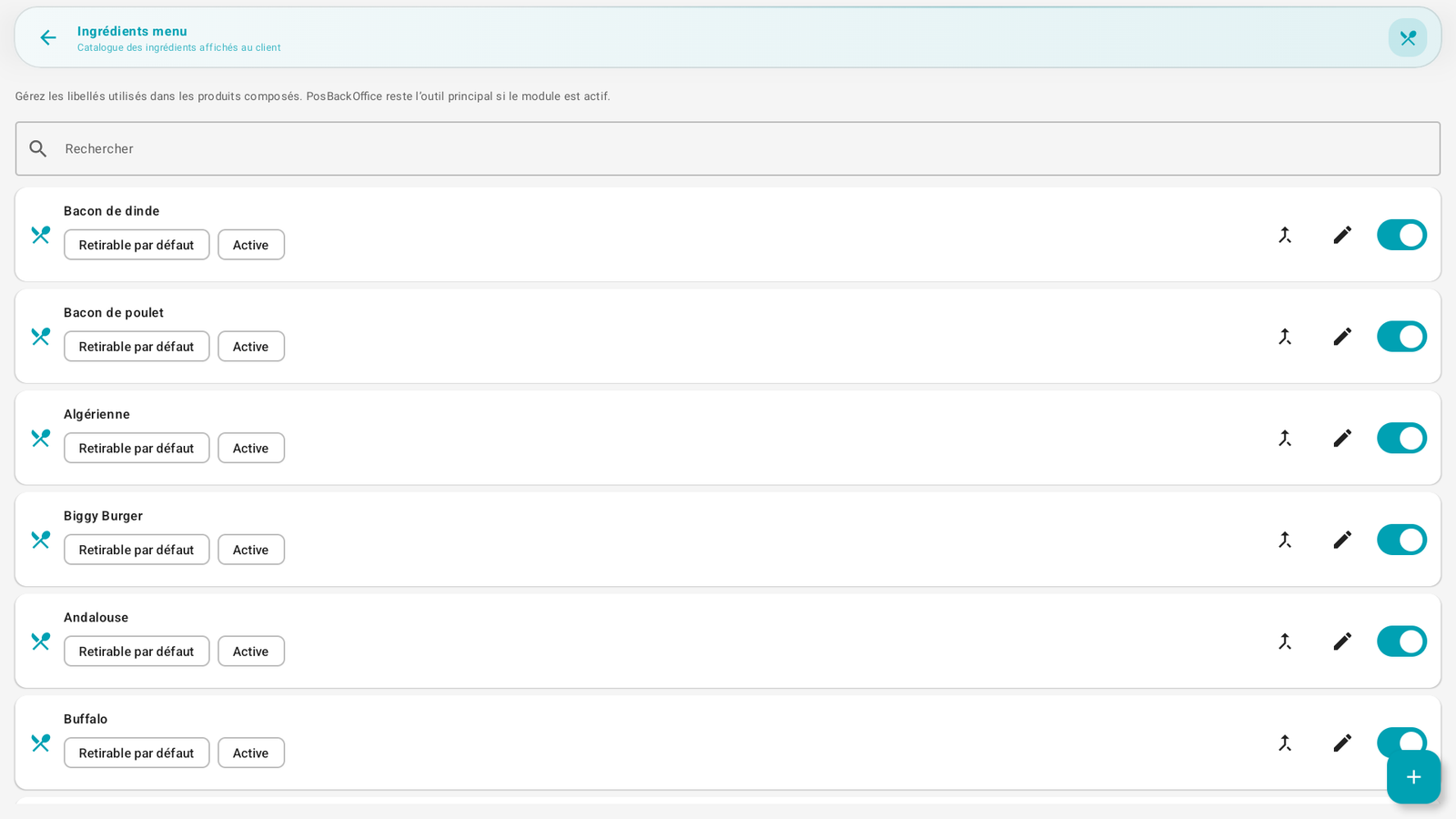
"Manage the labels used in composed products. PosBackOffice remains the main tool if the module is active."
- A search bar.
- The list of ingredients: each line has a name, the Removable by default and Active badges, a merge action (group duplicates), a pencil (modify) and an active/inactive switch.
- The + button adds an ingredient.
Step-by-step🔗
Add / modify an ingredient🔗
- Tap + (add) or the pencil (modify).
- Fill in the label and the Removable by default option (the ingredient can be removed by the customer) and Active.
- Save.
Merge duplicates🔗
- The merge action on a line lets you group two identical labels entered differently (e.g. "Cheddar" and "cheddar").
Messages & edge cases🔗
- Removable by default: determines whether the ingredient appears in the "Tap to remove" section during the sale (see Build an order).
- These ingredients feed the customizations (Customizations) and, with the BackOffice module, the recipes (Stock (read-only)).
Tips🔗
- Avoid duplicate labels: use the merge to keep a clean list.