The hardware (Sunmi D3 Pro)🔗
PosCaisse is an Android application. It installs on certified point-of-sale terminals. This guide was produced on a Sunmi D3 Pro, a desktop register terminal very widespread in food service.
The D3 Pro is a dual-sided terminal: a large 15.6" screen on the cashier side, and a secondary 10.1" screen on the back, facing the customer.
-
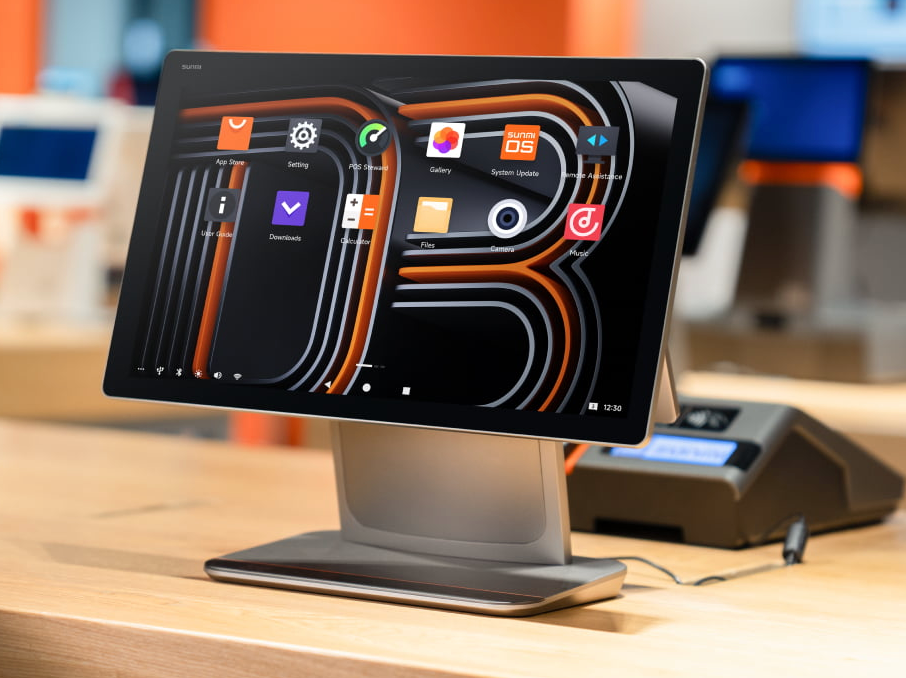
Cashier side — the main 15.6" screen where orders are taken and payment is processed.
-
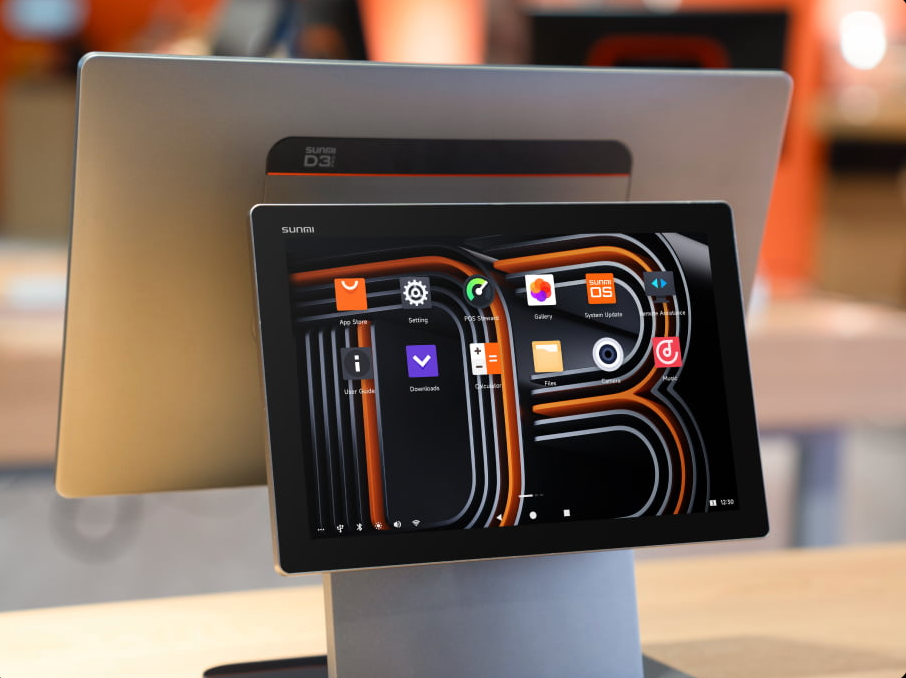
Customer side — the 10.1" display on the back, facing the customer.
Tip
Click on an image to open it full screen.
The essentials to remember🔗
| Element | Detail |
|---|---|
| System | SUNMI OS (based on Android 13), Android updates supported |
| Screen | 15.6" FHD 1920 × 1080, 10-point capacitive touch, landscape |
| Use | Fixed register terminal on the counter |
| Connectivity | Gigabit LAN, Wi-Fi 2.4/5 GHz, Bluetooth 5.0, USB ports + cash drawer port (RJ12) |
Full technical sheet (SUNMI D3 PRO)🔗
| Characteristic | Specification |
|---|---|
| Product model | F3510 |
| Operating system | SUNMI OS (based on Android 13) — Android version updates supported |
| Processor | Qualcomm hexa-core, up to 2.4 GHz |
| Memory | 4 GB RAM + 64 GB ROM |
| Screen | 15.6" FHD 1920 × 1080, 10-point capacitive touch |
| Speaker | 1 × 3 W |
| Wired network | LAN 1000M (Gigabit) |
| Wi-Fi | 2.4 GHz & 5 GHz — IEEE 802.11 a/b/g/n/ac |
| Bluetooth | BT 5.0, BLE supported |
| Button | 1 × power button (screen lock; fingerprint recognition optional) |
| Power adapter | Input: AC 100~240 V / 1.5 A · Output: DC 24 V / 1.5 A / 36 W |
| External memory | 1 × MicroSD (TF card) up to 1 TB |
| Ports | 1× USB-A 3.0 · 2× USB-A 2.0 · 1× serial RJ11 · 1× cash drawer RJ12 · 1× RJ45 LAN · 1× audio jack · 1× power · 1× USB-C 2.0 · 1× MicroUSB (debug) |
| Weight | D3 PRO: 4.5 kg · Separate 10.1" monitor: 0.88 kg |
| Environment | Operation: 0 °C ~ 40 °C · Storage: -20 °C ~ 60 °C |
| Indicator light | Blue (power) |
| Accessories | Separate 10.1" HD 1280 × 800 monitor, multi-point capacitive touch screen |
| Dimensions (L×W×H) | 380 mm × 195 mm × 310 mm |
What matters for PosCaisse
- The RJ12 cash drawer port allows the direct connection of the drawer (automatic opening on cash payment — see Configure the peripherals).
- The USB ports and the RJ45 / Wi-Fi serve the printers (receipt, kitchen) and the multi-register network.
- The fingerprint recognition (optional) can be used for employee login (see Employees).
- The 10.1" customer screen (accessory) corresponds to the configurable customer display in Configure the peripherals.
PosCaisse is not limited to this model
The Sunmi D3 Pro serves as an example for this guide. PosCaisse runs on other compatible Android terminals. The principles (sales screen, payment, configuration) are identical regardless of the hardware; only the hardware options (built-in printer, drawer…) may vary.
The peripherals that PosCaisse controls🔗
Around the register, PosCaisse can control several peripherals. Their configuration is detailed in the chapter A8. Configure the peripherals:
- Receipt printer(s) — for the customer receipt.
- Kitchen printer(s) — to send preparation orders to the kitchen.
- Cash drawer — opens automatically during a cash payment.
- Barcode scanner — to scan products.
- NFC reader — for employee badges.
- Payment terminal — for card payments.
- Customer display — the screen facing the customer that shows the amount.
Taking care of the register🔗
Best practices
- Keep the register plugged into mains power during service.
- Regularly check the paper level of the printers.
- Connect the register to a stable Wi-Fi network (essential for online ordering, multi-register and cloud backup).
- Shut down/restart the register cleanly (some operations, such as enabling database encryption, require a restart to take effect).
You now know the essentials. Let's get to practice with Part A — Admin journey: configuring your register from A to Z.