
Bakery overview brings together module status and authorized order, production, lot, unsold-goods and forecast information. It is a monitoring screen; the detailed production and handover operations in this guide are performed in POSCaisse.
Visual reference
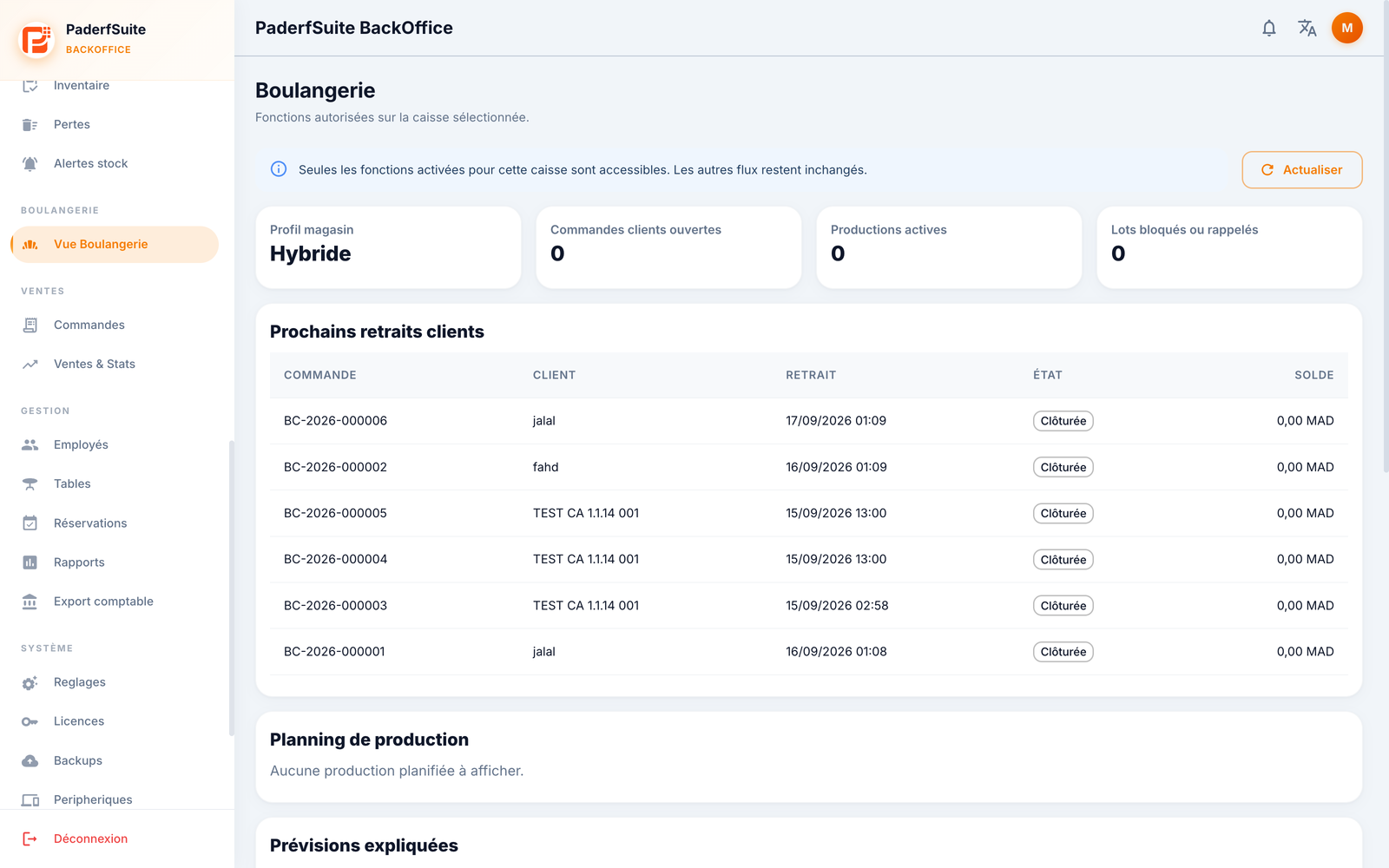 Enlarge screenshot
Open and refresh
Select the correct store and register in cloud mode, or connect to the relevant register’s local BO.
Open Bakery overview. Check profile, mode and available functions.
Use Refresh and wait for loading to finish. A read error does not mean there are no orders or lots.
Read the information
Review customer orders and pickup dates, production statuses, finished-product lot quantities and recorded unsold goods. Summary and forecasts cover the displayed period, calculated here over the coming week. Summary lists do not replace a full search on the register.
Sections follow granted capabilities and permissions. An enabled function does not prove a printer or scale is connected. If business activity changes and only historical viewing remains allowed, do not attempt new operations from that context.
Prepare and act
Prepare categories, products, units, recipes and stock in the corresponding BO sections. To take an order, collect a deposit, finish production or hand over an order, use the appropriate register workflow. Payment alone does not prove handover.