
Before you start
A connection to the register’s BackOffice and access to the restaurant catalogue.
 Enlarge screenshot
Steps to follow
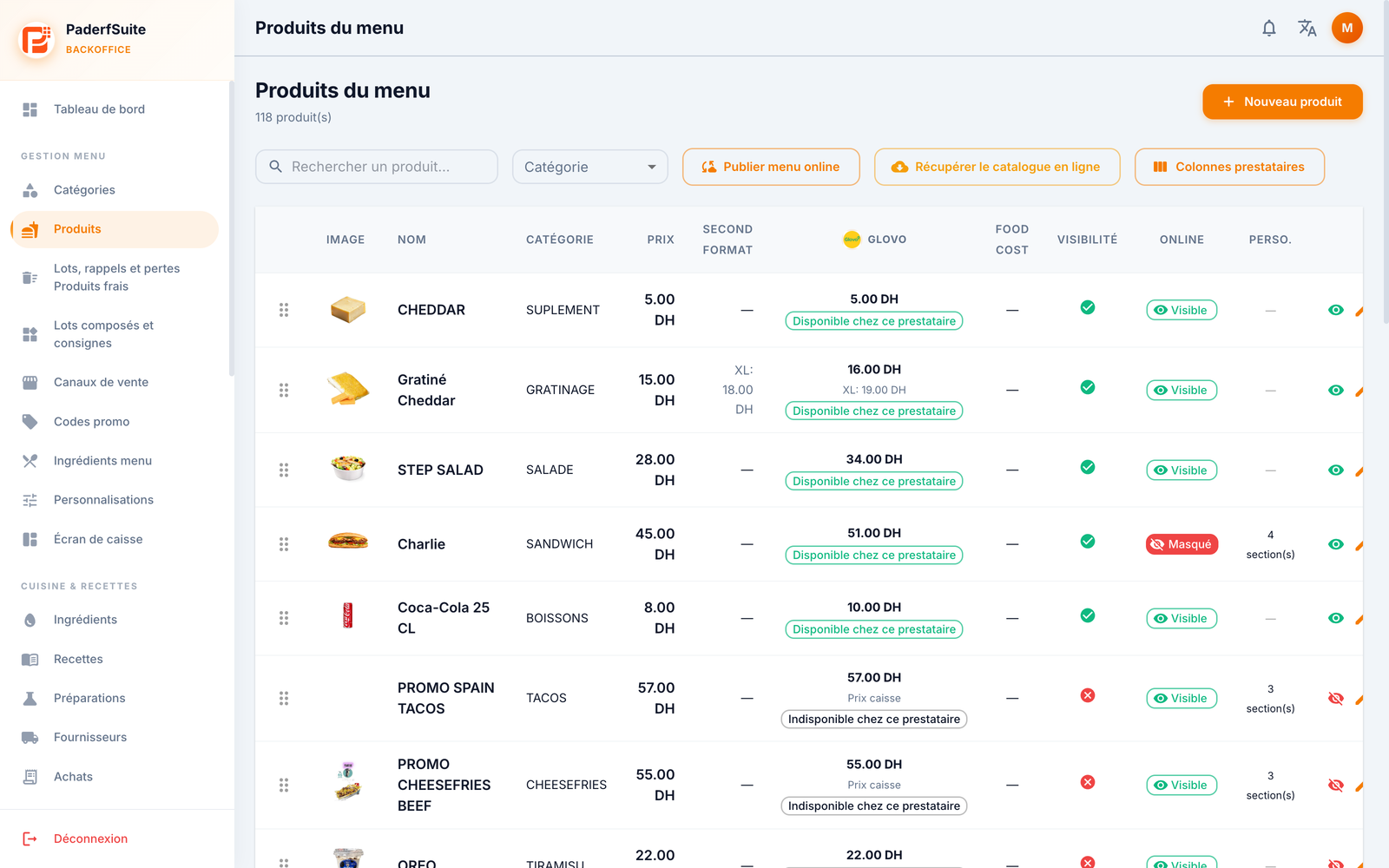
- Under Menu management, open Products.
- Use Search for a product and the Category filter.
- Review the price, optional second size and configured provider columns.
- Check Visibility and Online separately. Scroll the table horizontally if its actions are not visible.
What to remember
Provider prices may differ from counter prices. Publishing the menu or fetching the online catalogue are synchronisation actions; they are not needed to view products.