
Accounting export prepares a batch of entries from selected Z closures. It is separate from downloading an X/Z report or a complete register backup.
Visual reference
 Enlarge screenshot
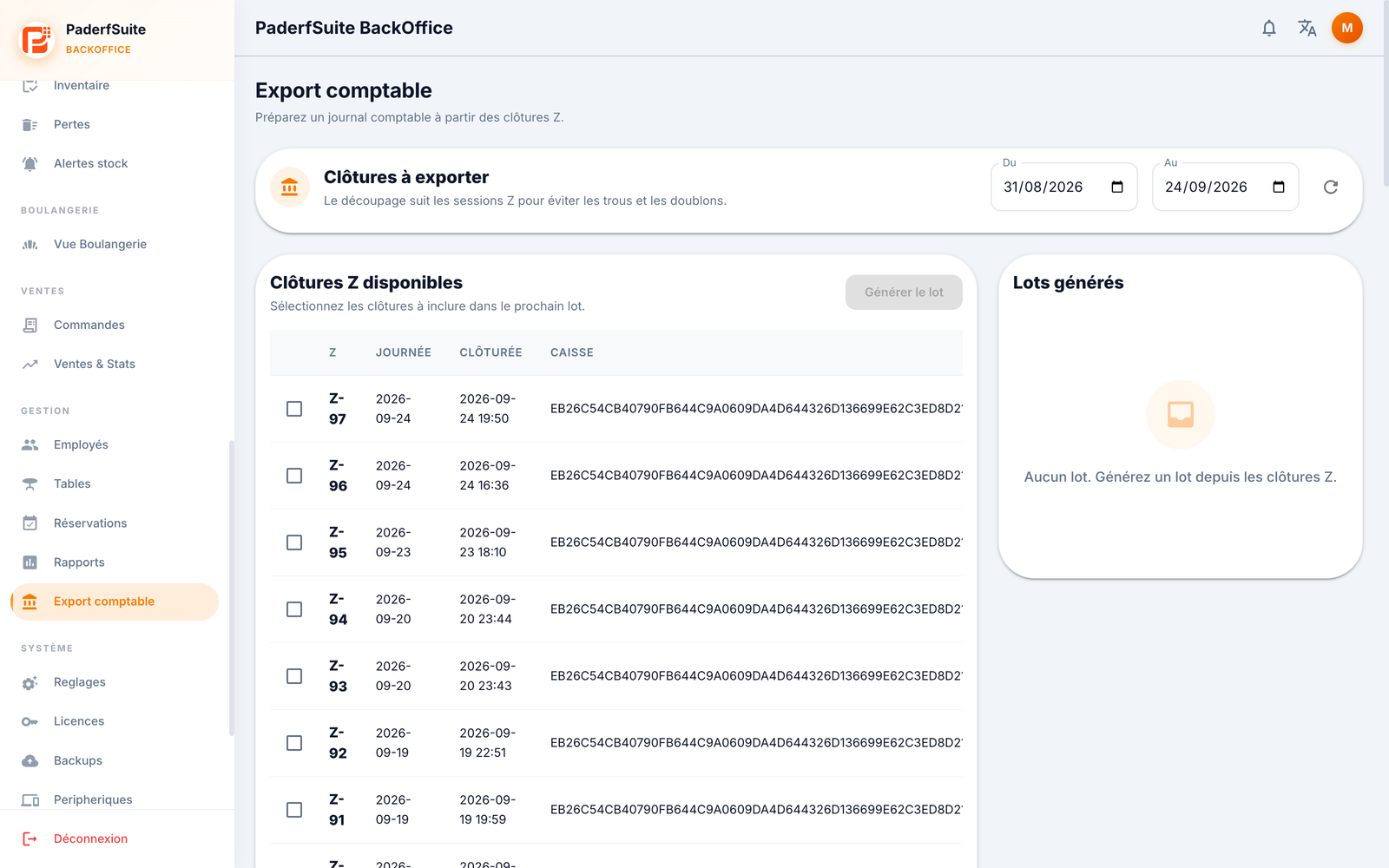
Choose closures
Open Accounting export with the required permissions.
Select the period and refresh available closures.
Select the Z closures to include. Check register, date and scope to avoid omissions and repeated exports.
Run Generate and wait for the batch. This does not close a new cash session.
Review and lock
Open the batch in Generated batches. Check entries, accounts, sources and debit/credit totals. Use pagination to review entries. Have the responsible person verify account mapping before locking.
Lock freezes the batch according to the workflow. Check scope before confirming; do not lock just to dismiss a warning.
Download and find again
Choose an offered format and check the file actually downloaded. Downloading a locked batch updates its exported status in the BO. The file is not automatically imported into accounting software or sent to your accountant.
After an interruption, find the existing batch and its status before generating another. Keep its reference with the transferred file. Exports and traceability functions do not constitute NF525 certification: it has not been obtained.