
The workshop separates production, lot tracking, label printing and unsold goods. Open Admin → Bakery → Open workshop or the Workshop and production widget.
Visual reference
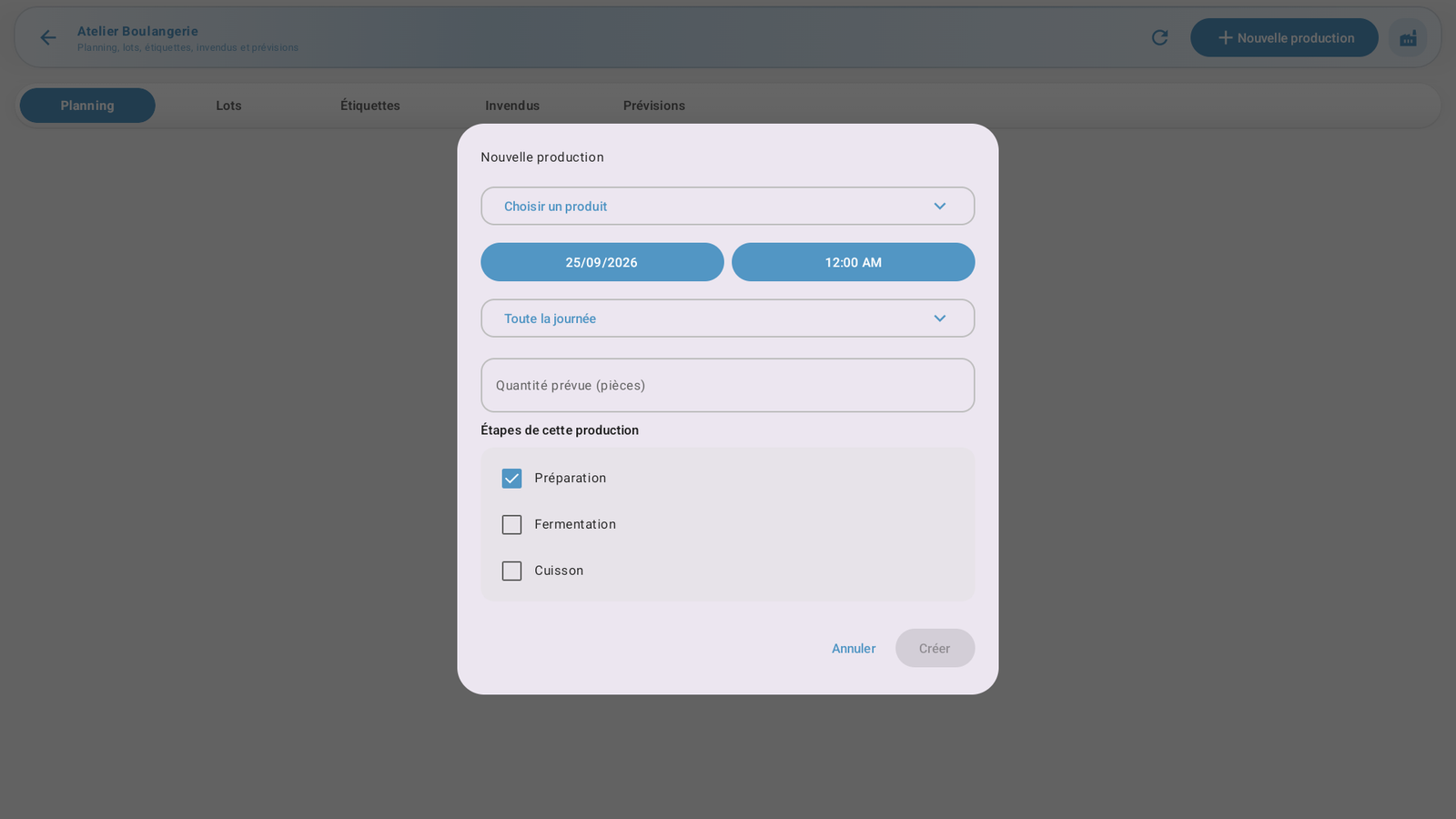 Enlarge screenshot
Plan production
In Planning, choose New production.
Select product, planned quantity in pieces, time slot and available steps. Check the recipe and required stock.
Create the production and obtain required approval. Planned production is not completed production.
Start the actual work and advance through the available steps, including baking where applicable. Do not change status just to dismiss an alert.
Finish and check the lot
Finish with the actual produced quantity, lot number and use-by/best-before date when requested. Explain required variances. Check the resulting lot and available quantity. Resolve stock or permission blocks before confirming; do not create another production to bypass them.
Lots, protection and corrections
In Lots, find the finished product and its status. Quarantine, blocking or recall prevents use according to application checks. Use Protect this lot and the required reasons. Correct erroneous production through its correction action when offered; cancellation releases applicable reservations but does not replace correction of completed production.
Labels
Configure a label printer in Admin → Peripherals.
In Labels, choose or prepare a template and check product, lot, production and expiry.
Request the required number of copies.
Check the queue and physical output. A saved request is not a confirmed print. Inspect uncertain output before retrying; do not repeat production.
Unsold goods and forecasts
In Unsold goods, enter actual unsold quantities with the required reason and approvals. Respect the maximum quantity and lot status. In Forecasts, check the period and available data: forecasts help planning but neither produce nor move stock. After an interruption, refresh the production or lot before repeating an operation.