
From Admin → Bakery, prepare products and open customer orders or the workshop. Functions depend on business activity, license and permissions.
Visual reference
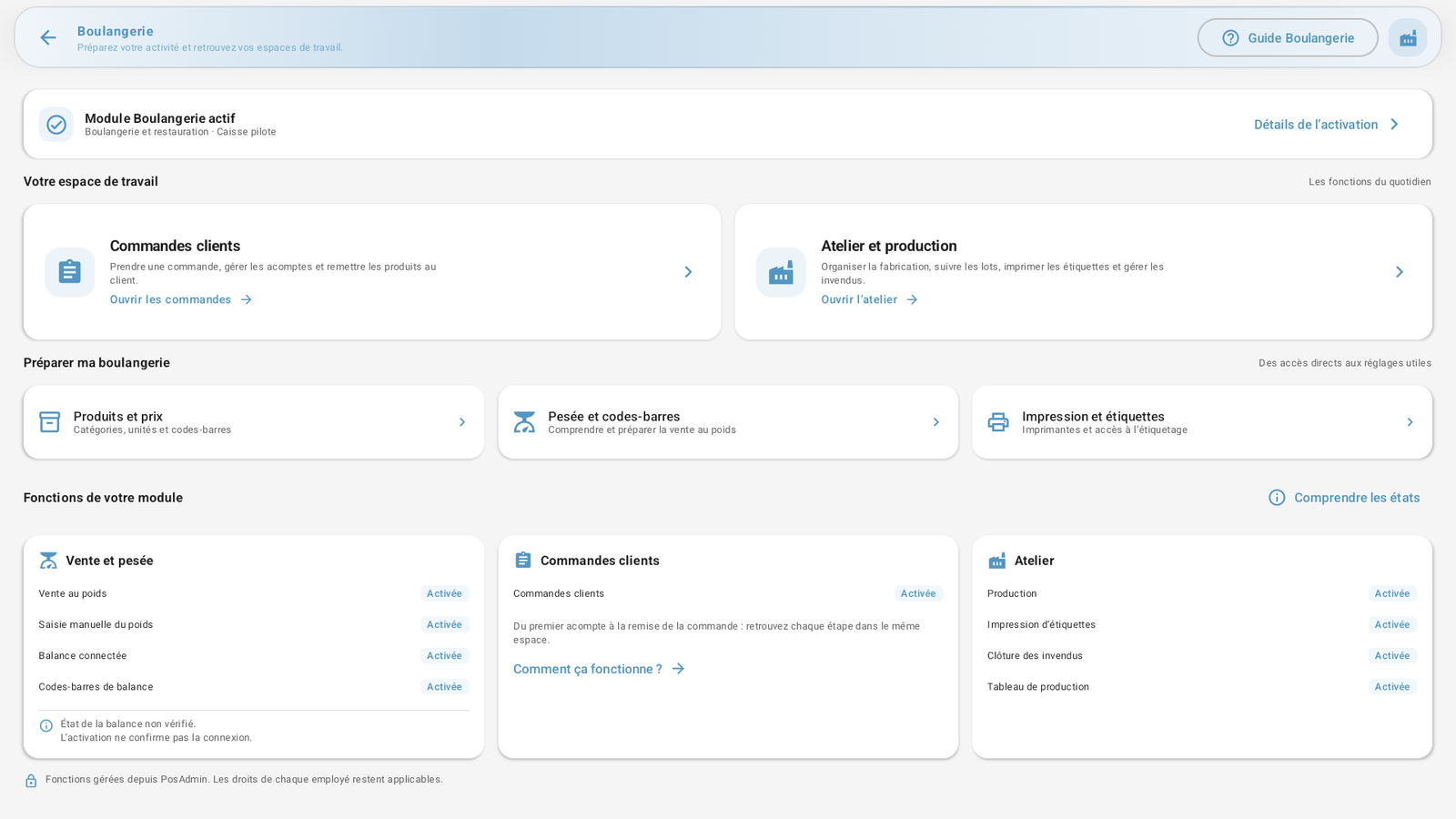 Enlarge screenshot
Prepare your products
Create categories, products and prices. Choose the appropriate unit: per piece or by weight. Enter the relevant barcodes.
Prepare sales by weight
Distinguish manual entry, scale label scanning and a connected scale. Test the actual hardware or format before selling.
Take a customer order
Find or add the customer, choose products and customizations, then set the handover date and any deposit.
Organize production
Use the schedule, track batches and print labels according to available features and permissions.
Hand over orders and track unsold goods
Complete handover with payment in the existing workflow. Record unsold goods in the workshop to preserve traceability.
Feature enabled
The module configuration authorizes this feature. Activation is managed in PosAdmin.
Settings and hardware
A printer or scale must also be configured correctly and available. Without an actual check, its status is shown as unverified.
Employee permissions
Enabling a feature does not automatically allow every employee to use it. Existing permissions still apply.
Manual weight entry
Weight is entered on the register according to available features and permissions.
Scale-printed label
The reader scans the label code. Its format must match the configured rules and the product must be identifiable in the catalog.
Scale connected to the register
A compatible, qualified scale and connection are required. Enabled describes the feature entitlement, not a detected connection.