
Take orders at the table
Staff find their table in POSPDA, enter items, options and notes, then send the order to the POS server. POSShared provides a shared station with individual employee sessions.
Industry solutions · Restaurant
For restaurants and cafés in Morocco, connect tableside orders, kitchen preparation and checkout with POSCaisse, floor terminals and PaderfSuite back-office tools.
The floor, counter and kitchen each have a role. Start with the register or add ordering terminals and a kitchen display to match the way your team works.
Staff find their table in POSPDA, enter items, options and notes, then send the order to the POS server. POSShared provides a shared station with individual employee sessions.
POSKitchen shows the tickets assigned to each station, preparation notes and course requests. The team follows preparation and marks dishes ready; exchanges require a connection to the POS server.
POSCaisse supports order tracking, table transfers and split bills. The back-office brings together the catalogue, sales reports and stock management depending on enabled features.
POSCaisse is Android touchscreen POS software for restaurants, cafés, bakeries and retail stores in Morocco: sales, receipts and cash closing according to the enabled profile.
Explore the modulePOSPDA supports restaurant table service in Morocco: take orders on a SUNMI handheld terminal, add preparation notes and send requests to the kitchen through the POS server.
Explore the modulePOSShared is a shared touchscreen order terminal for restaurant staff in Morocco, with individual sign-in, table tracking and order transmission to the kitchen.
Explore the modulePOSKitchen is a kitchen display system (KDS) for restaurants and fast-food outlets in Morocco, showing station tickets, notes and preparation status through the POS connection.
Explore the modulePOSBackOffice brings together inventory, purchasing, product management and sales reports for businesses in Morocco. Browser access is local or cloud-based, depending on deployment.
Explore the moduleConfiguration, accessories and enabled features are defined for your project. Specifications vary by hardware version.
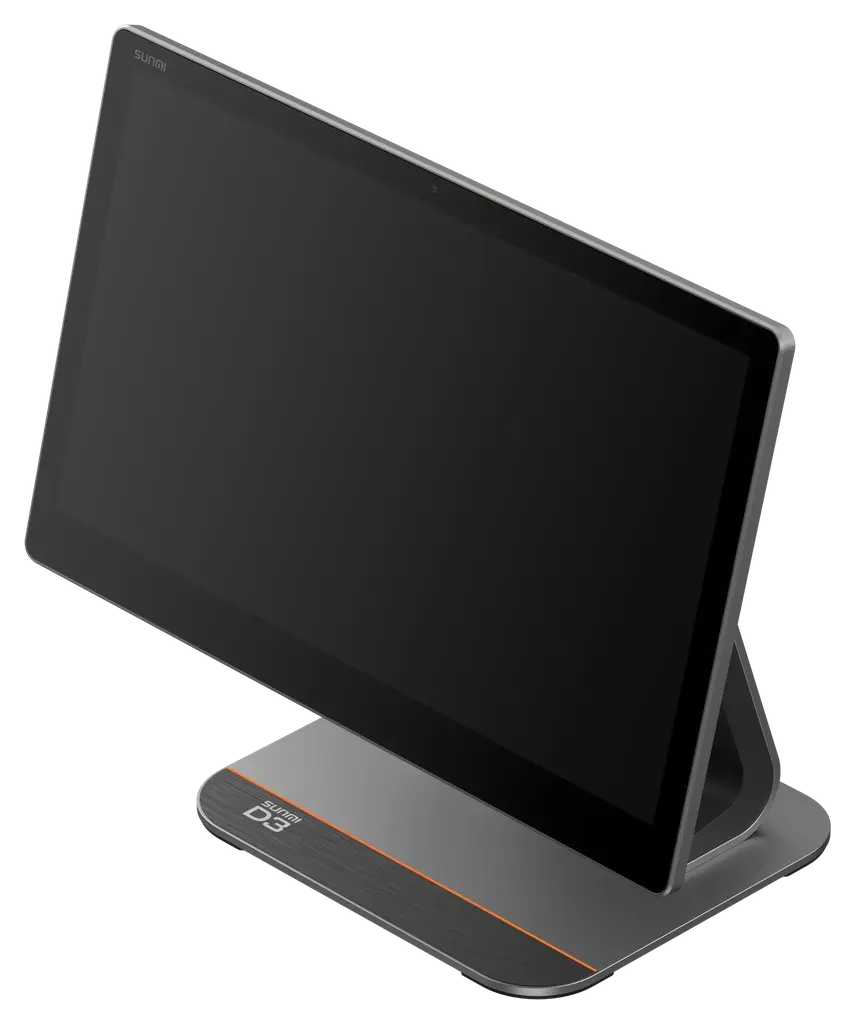
A modular counter terminal
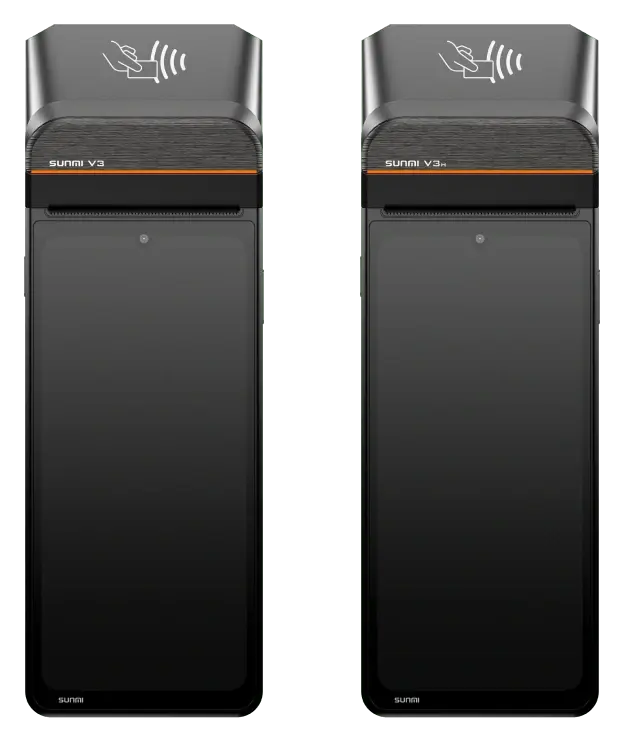
Mobile use with printing
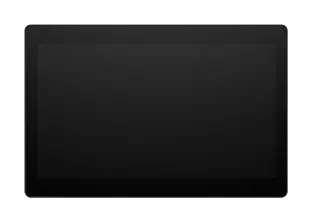
A shared screen for service or a dedicated kitchen display
SUNMI manufacturer photos. The screens shown are not PaderfSuite screenshots.
No. The setup depends on your service, number of stations and required features. The register, handhelds, shared station and KDS each have distinct roles.
Prepare your menu, options, tables, kitchen stations and staff permissions. Review the local network and printers with the team configuring your setup.
Features depend on the profile, licence and permissions enabled. NF525 certification has not been obtained.
For fast-food and quick-service restaurants in Morocco, organise counter or self-service orders, KDS kitchen tracking and checkout with the appropriate PaderfSuite modules.
Connect checkout, barcodes, purchasing and stock counts for your supermarket in Morocco. Manage weight, batches and expiry dates according to enabled food retail functions.
Organise products, sizes, colours and barcodes for shops in Morocco. Track sales, inventory, returns and customer operations according to enabled retail features.
Your business, team and space guide the choice of modules and hardware. Let’s build your solution together.